Klarna On-site messaging - Textalk Abicart

Klarna on-site messaging is a feature that allows you to set up personal messages to your customers on multiple pages in your webshop. The information can be about possible instalment plans or any offers you plan to give your customers via Klarna.
Note that you must have Klarna v.3 and have activated Klarna Checkout to add on-site messaging. No other payment solutions are allowed.

Go to Design -> Themes -> Edit -> Extensions -> Klarna
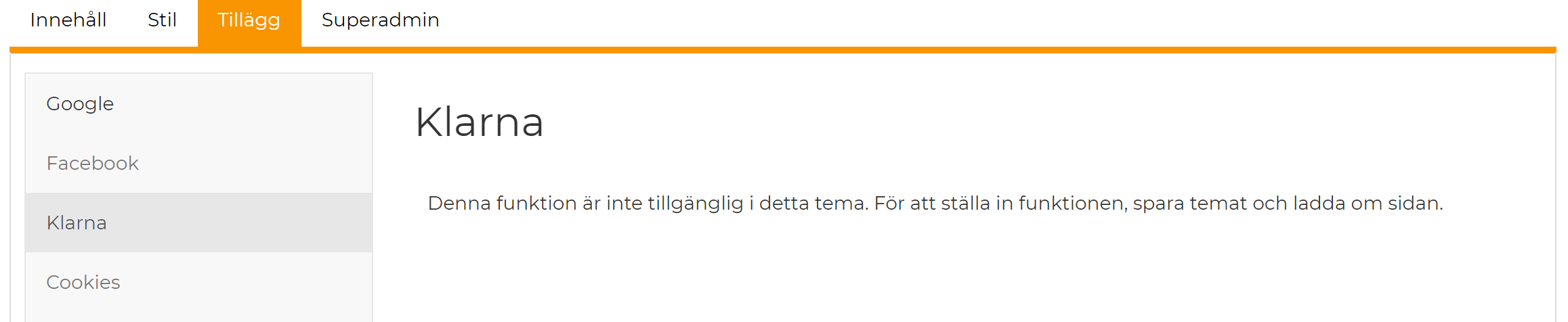
Save and reload the theme. Now there should be an option to add the script. Copy and paste the script from the Klarna Merchant portal under On-site Messaging -> Installation and save.
-png.png)
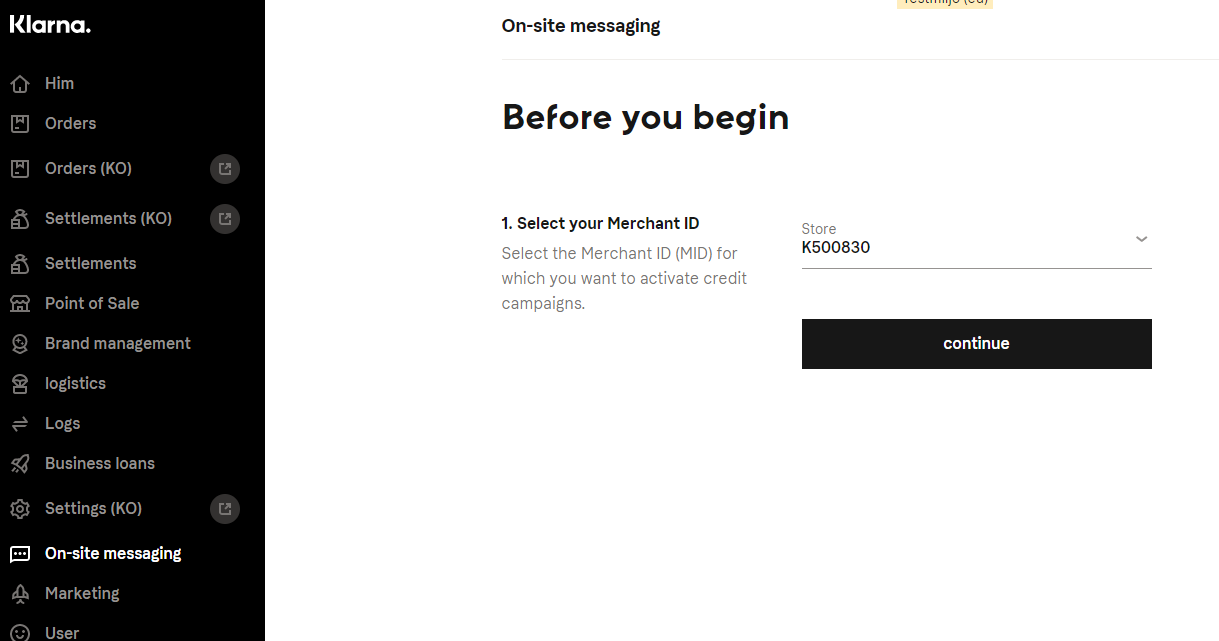
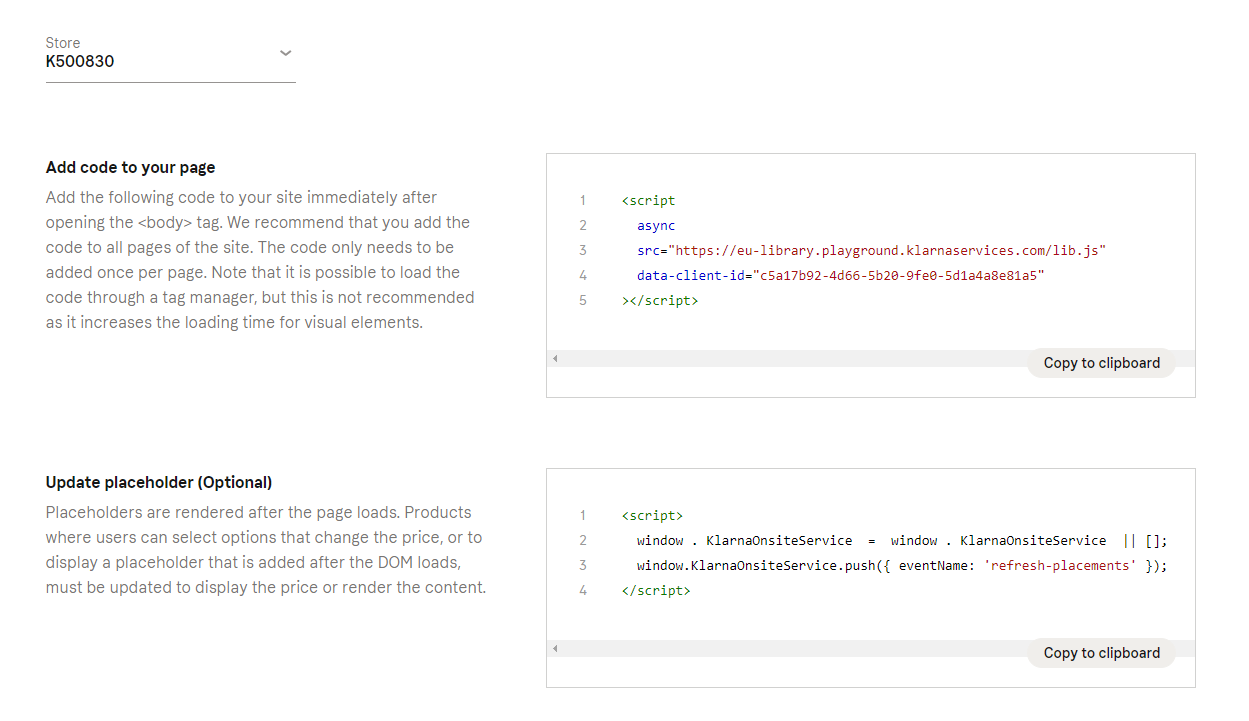
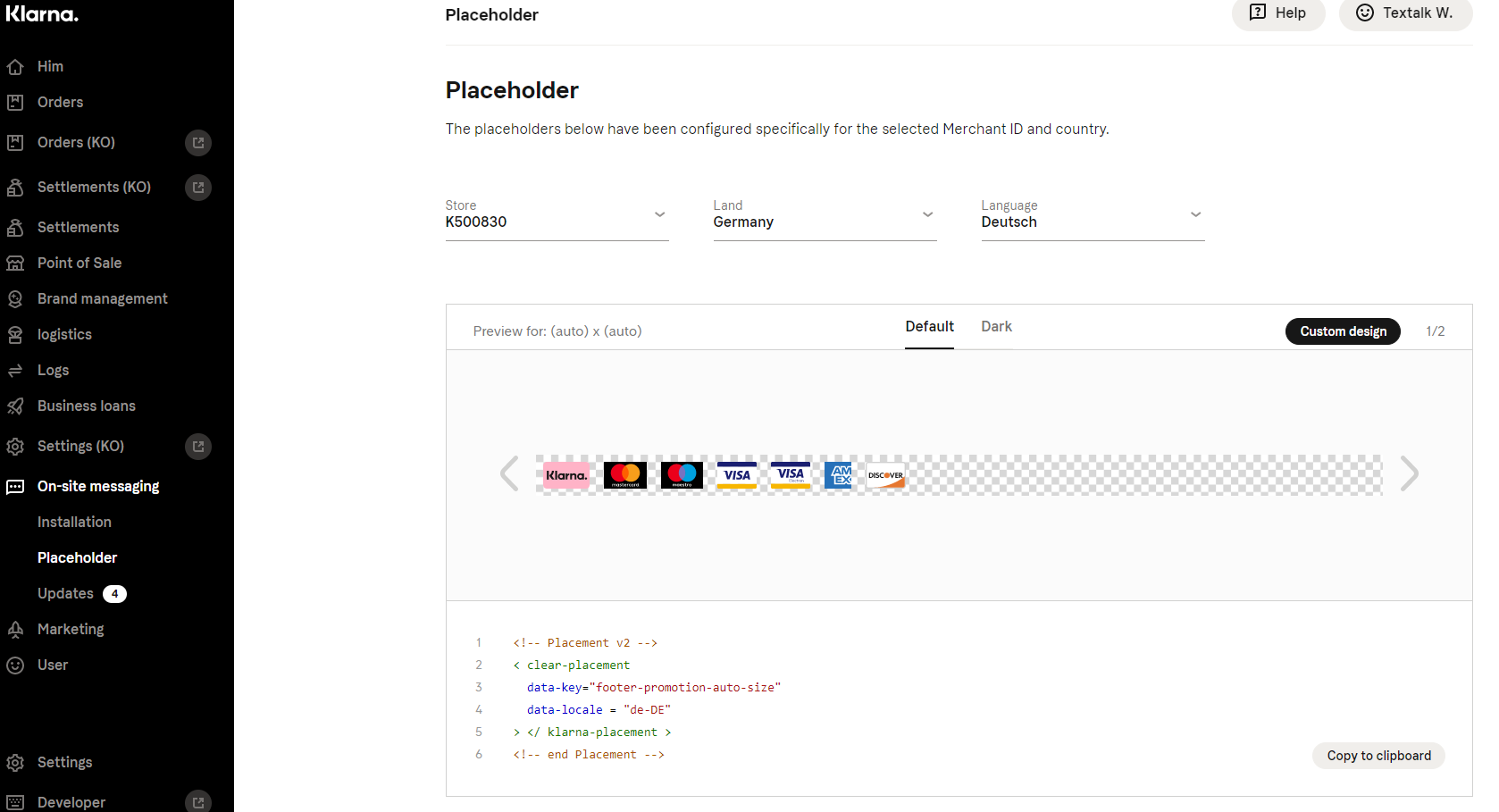
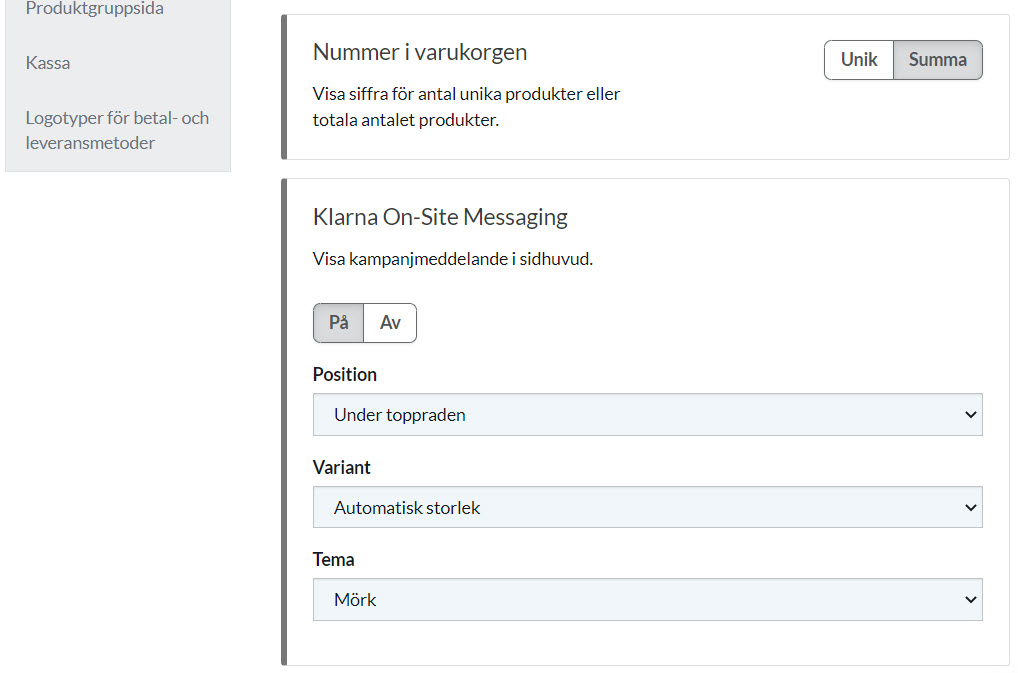
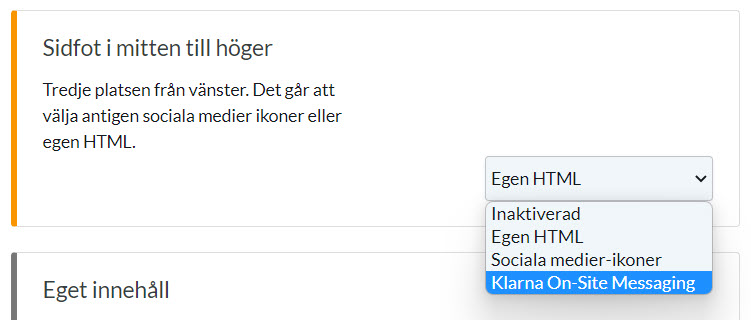
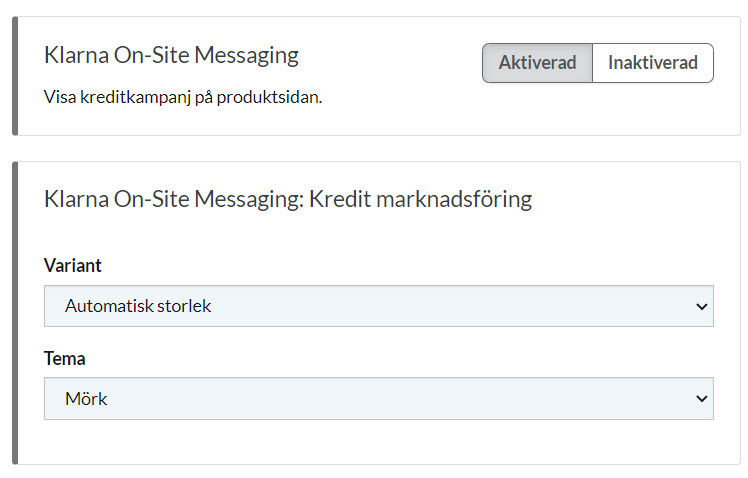
Now the widget will be able to be added to different pages. Users can choose the page, position and content they want to display via Klarna On-site Messaging.
The page and position are selected under Abicart admin and the content is edited under Klarna Merchant Portal -> On-site Messaging -> Placeholder.
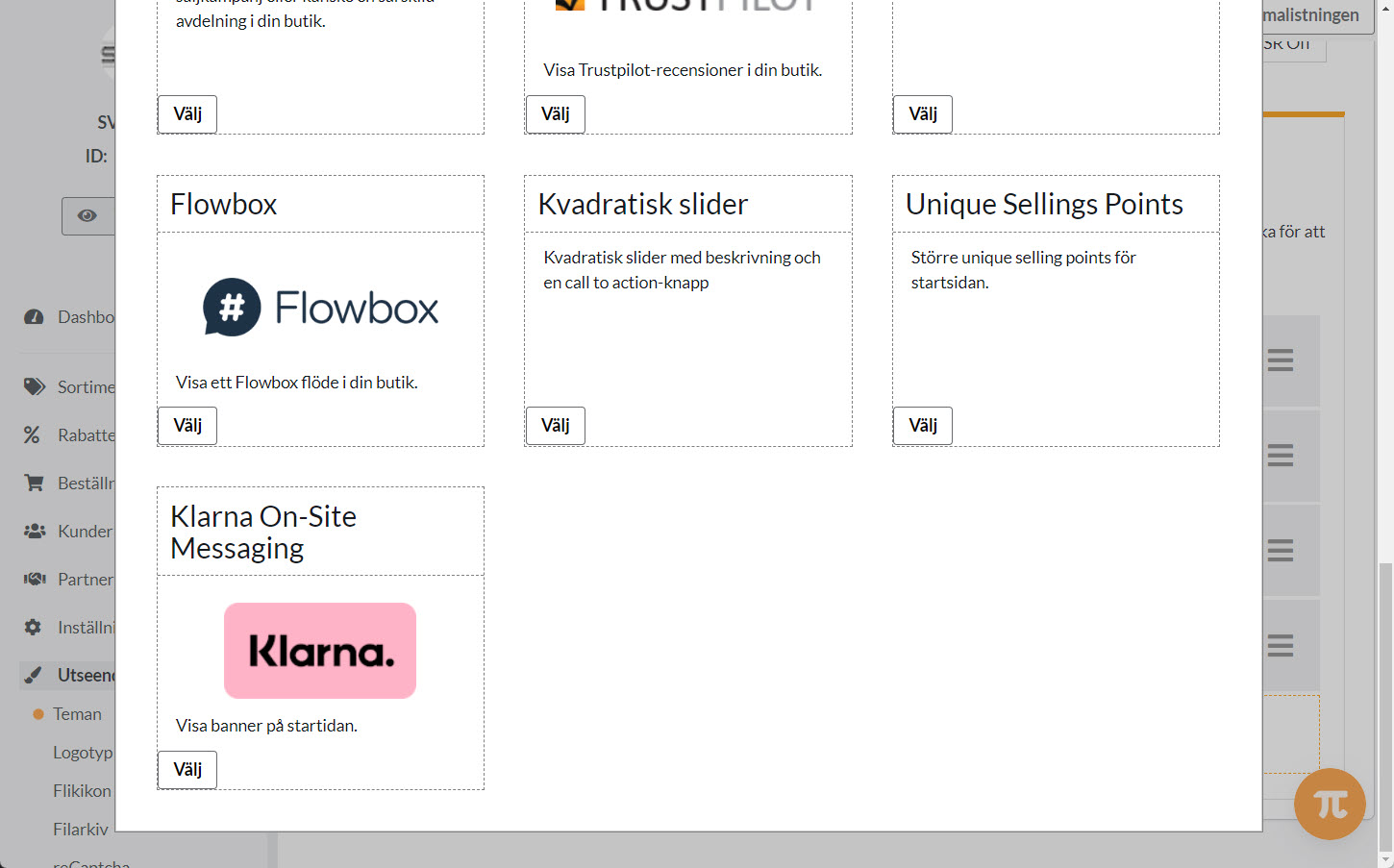
This is only available in the latest versions of our themes. This can be added to the home page, header, footer, sidebar and product page.
Settings Abicart adminDesign>> Themes >> Startpage, top bar, footer & product page
Possible reasons why Klarna On-site messaging is not displayed on the website:
Klarna checkout is not activated in the store.
The selected country of delivery does not have Klarna as a payment method.
There are a few cases where the Klarna Checkout payment method will not be available for the current order because the user may have set a limit on the order total. If the order amount exceeds the limit, the widget will be hidden on the website together with the payment method.
-png.png) Klarna merchant ID is not filled in or is invalid under Additions -> Klarna.
**[Read more about On-site Messaging at Klarna.](https://www\.klarna\.com/se/foretag/on\-site\-messaging/)**
Klarna merchant ID is not filled in or is invalid under Additions -> Klarna.
**[Read more about On-site Messaging at Klarna.](https://www\.klarna\.com/se/foretag/on\-site\-messaging/)**