Anonymizing orders - Textalk Abicart
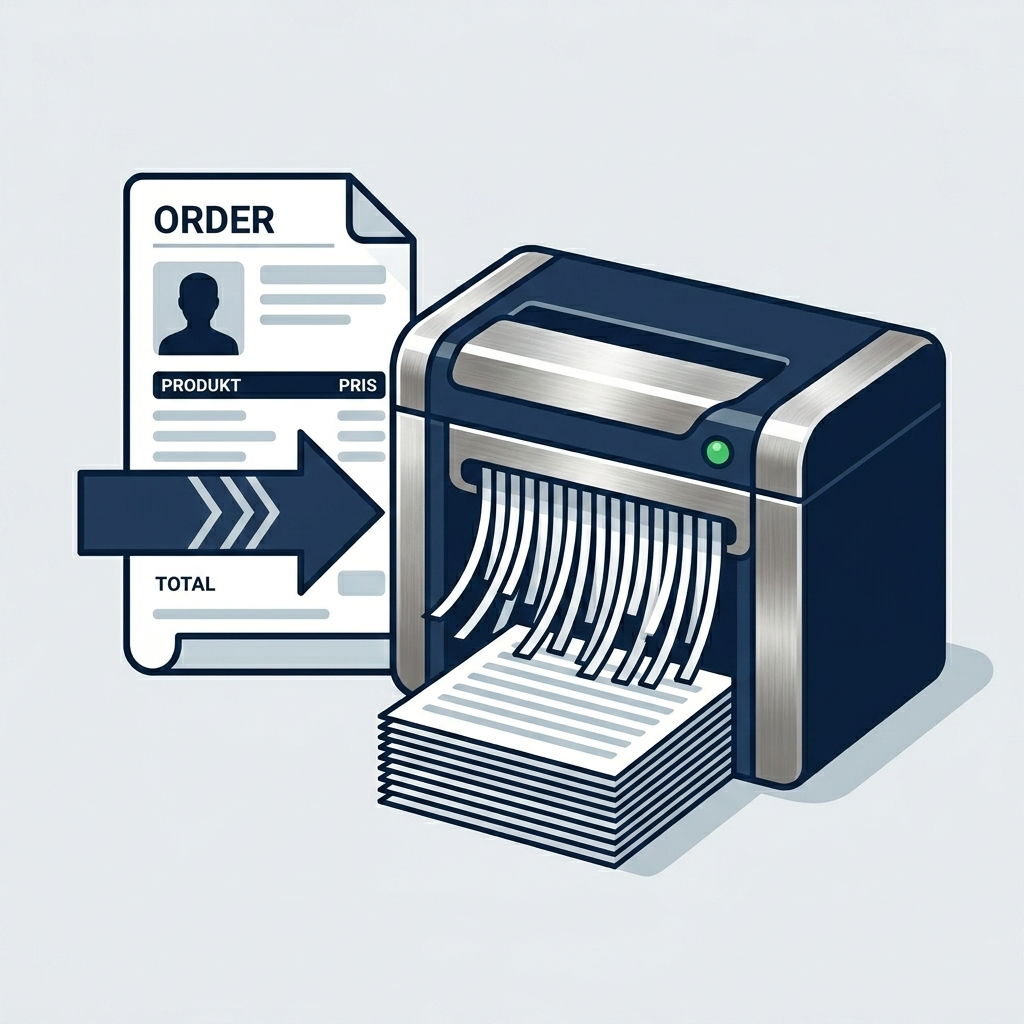
Why should you anonymize old orders?
Clearing and anonymizing old customer data is not only good housekeeping - it's also a way to protect both your customers and your business. Here are three reasons why you should review your settings:
-
Comply with the GDPR: Under the General Data Protection Regulation, you must not keep personal data for longer than necessary. Once a purchase has been completed and the warranty has expired, there is rarely a reason to keep the customer's name and address in the system.
-
Increased security: If your store were to suffer a data breach, the damage is significantly less if you don't have years of old customer data stored.
-
Better performance: a cleaner database will make your system work more efficiently.
How long does the data need to be kept?
This is where it becomes a bit of a balancing act. While the GDPR wants you to delete data, the Swedish Bookkeeping Act requires you to save records of your sales.
According to the Swedish Tax Agency's rules, accounting information (which includes order confirmations and invoices) must be saved for 7 years after the calendar year in which the financial year ended.
Here's how the setting works in Abicart: In your store, you can choose to automatically anonymize order information after a certain number of years.
-
Our advice: Set anonymization to 7 years. Then you keep the financial statistics and records required by the Swedish Tax Agency, but you remove the customer's personal data (name, address, email) so that you comply with the GDPR at the same time.
-
Default choice "Never": If you keep this setting, all personal data will be stored forever, which may violate GDPR privacy rules.
What happens when anonymizing?
When an order is anonymized, the link to the specific person disappears. You can still see what was sold and at what price (which is needed for your accounting and statistics), but you can no longer see who bought the item.
Activate anonymization
Go to Orders -> Settings.
By default, "Never" is selected.

Choose between 1-10 years, we recommend 7 years according to the Swedish Tax Agency's rules and save.
The system automatically anonymizes old orders every night based on your settings.