Add new product group to be displayed in the sub-store (Multi-store system) - Textalk Abicart

When you create a new product group at the top level of your multi-store system, you need to choose to include it in the product selection of your sub-store. If you do not check the product group in the sub-store product selection, it will not be visible to the customer.
This is how you do it:
First create the new product group (Link to the product group manual)
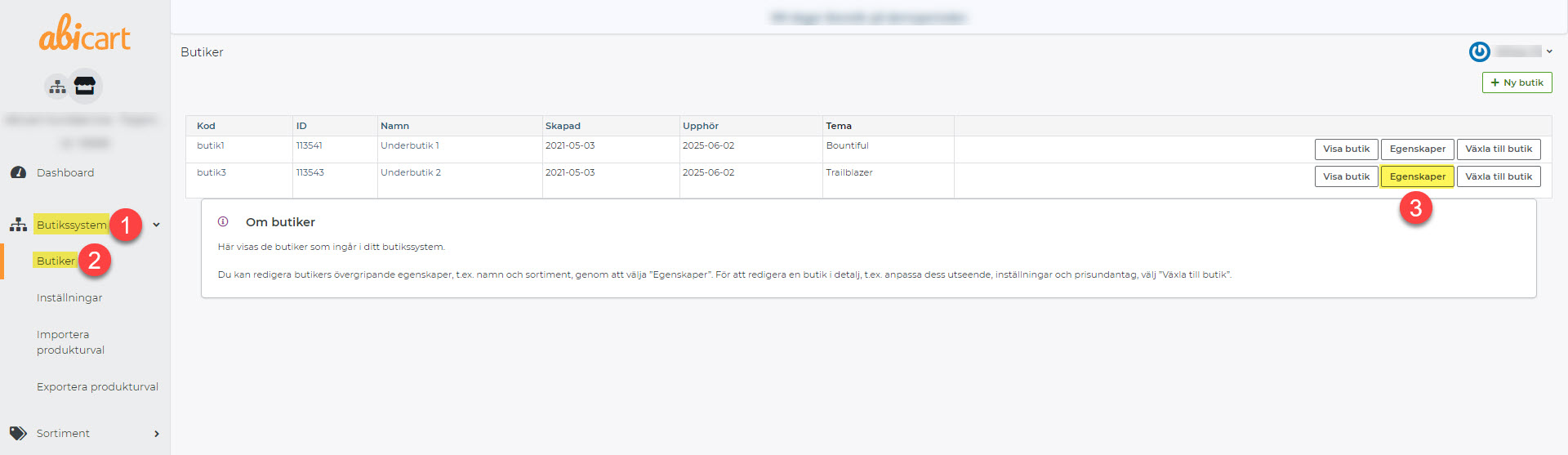
1) Go to Store System >> 2) Stores >> Properties of the sub-store you want to display the product group in 3)
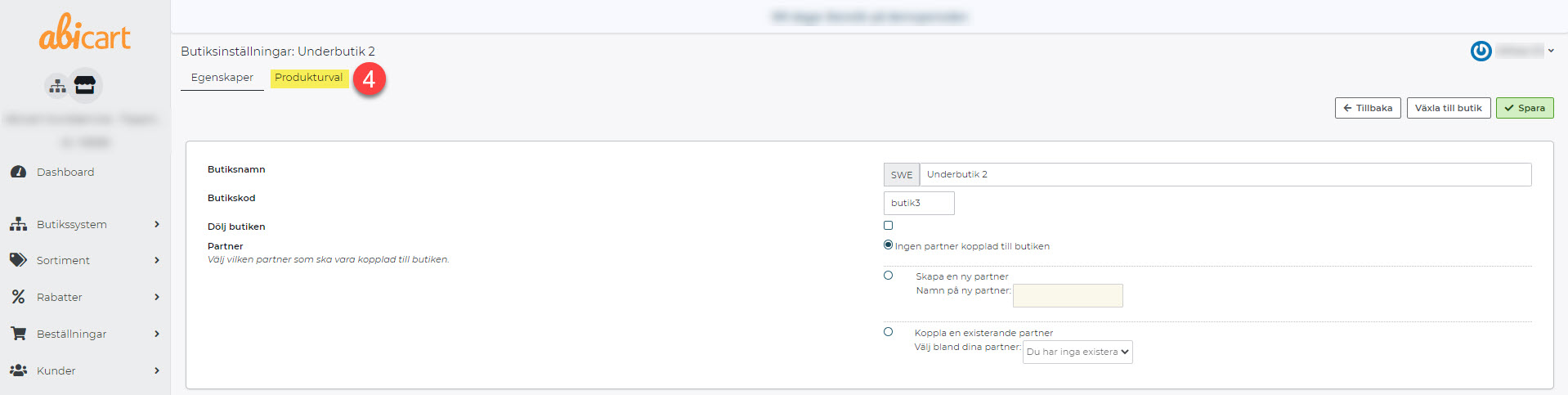
4) Click on Product selection
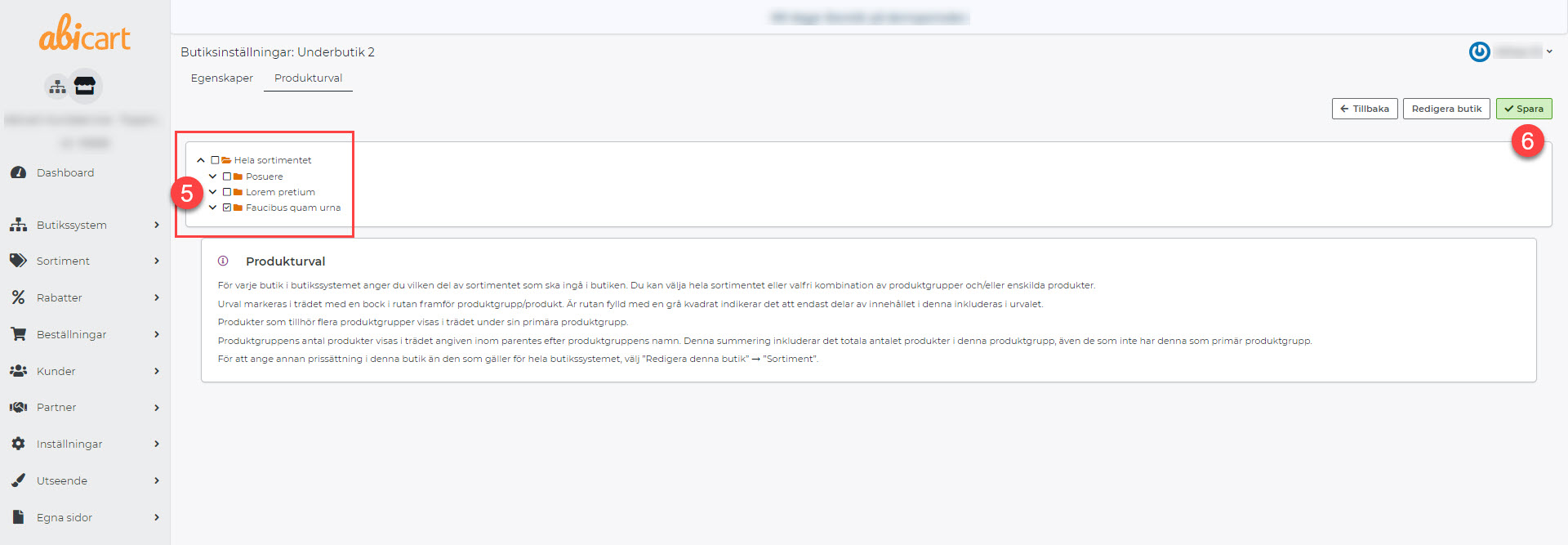
5) Check that the product group should be visible in the store
6) Save
Note! If you have a customer login in any of the stores, you also need to edit product selections for the customer groups that should have access to the product group.
Link to the manual for multi-store systems.