Klarna Shipping Assistant (KSA) with External TMS Shipmondo - Textalk Abicart

Here you can read about KSA with external TMS Shipmondo.
How to do this
1) First, you have followed the manual Klarna Shipping Assistant (KSA) - Delivery methods via external TMS.
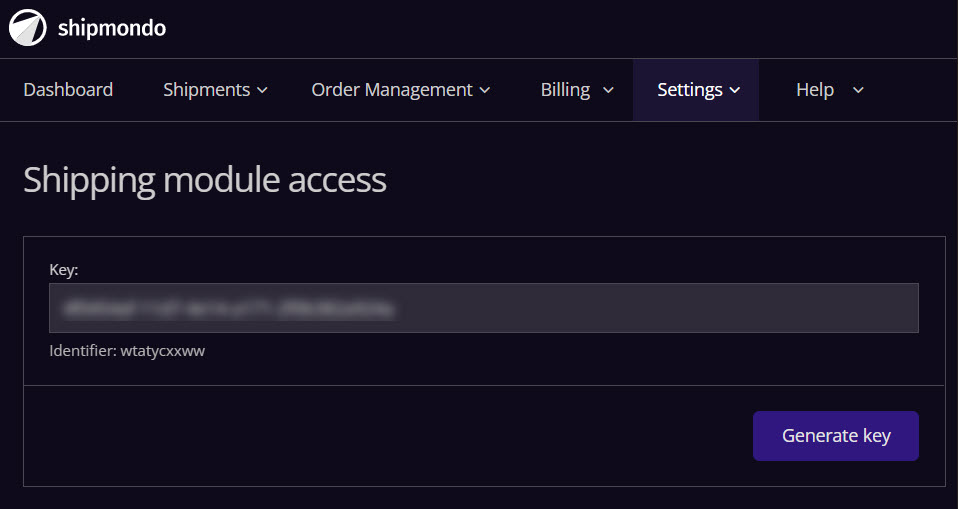
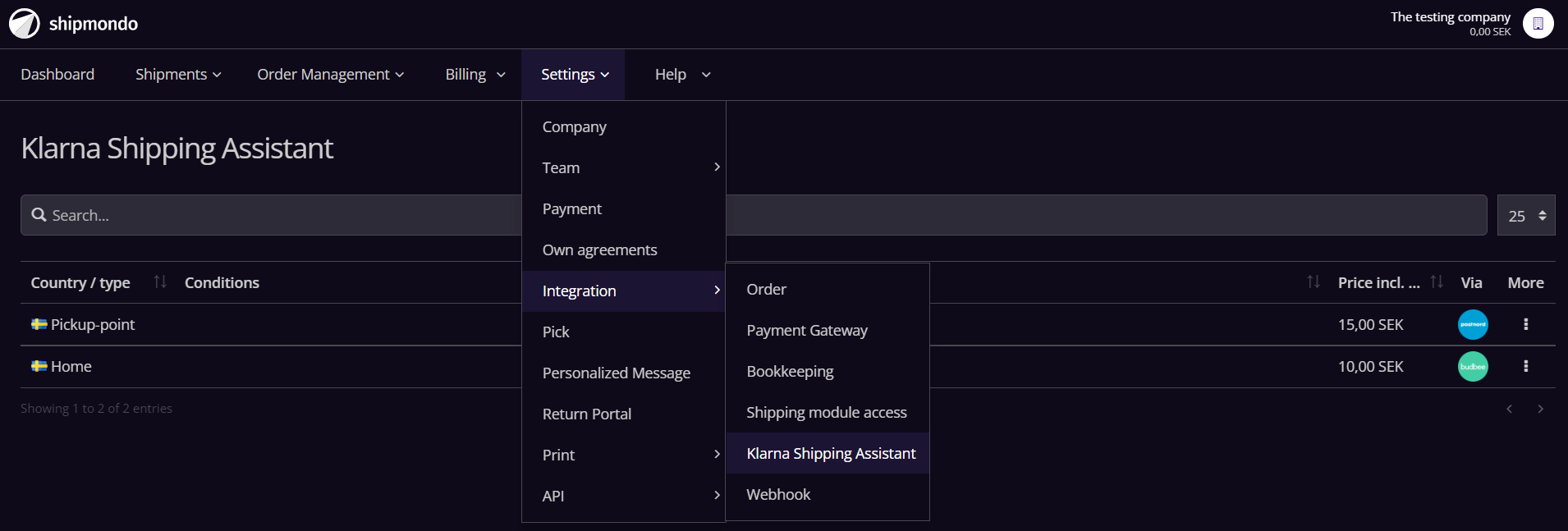
2) Next: Log in to Shipmondo and create your TMS and set up which delivery methods you want to be available. These delivery methods will be displayed through KSA in the Abicart checkout.
3) Log in to Klarna's portal and add Shipmondo as TMS. See examples from Klarna's portal in the manual for external TMS Postnord.
Shipmondo
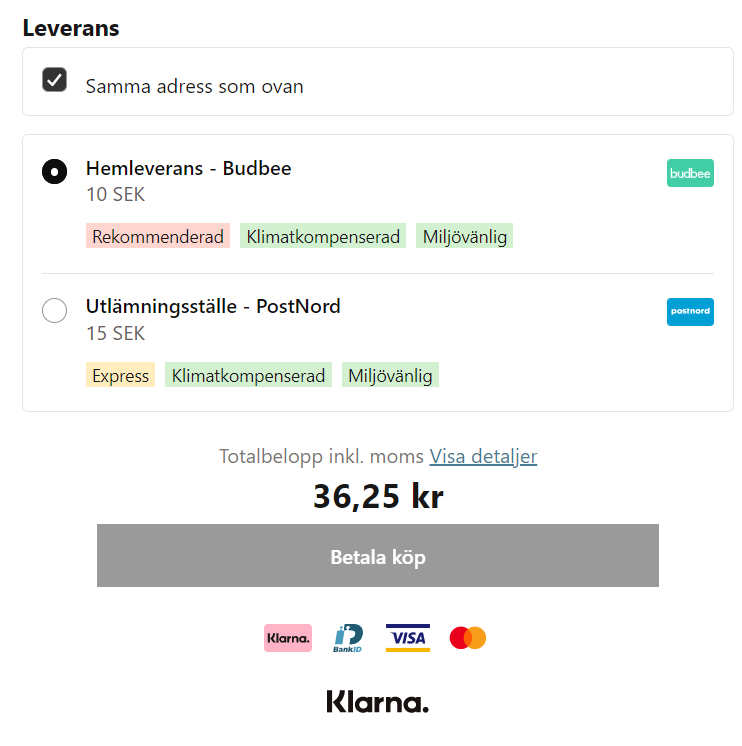
The image below shows KSA checkout with external TMS Shipmondo where you have chosen to use the delivery methods Budbee Home Delivery and Postnord Delivery Point:
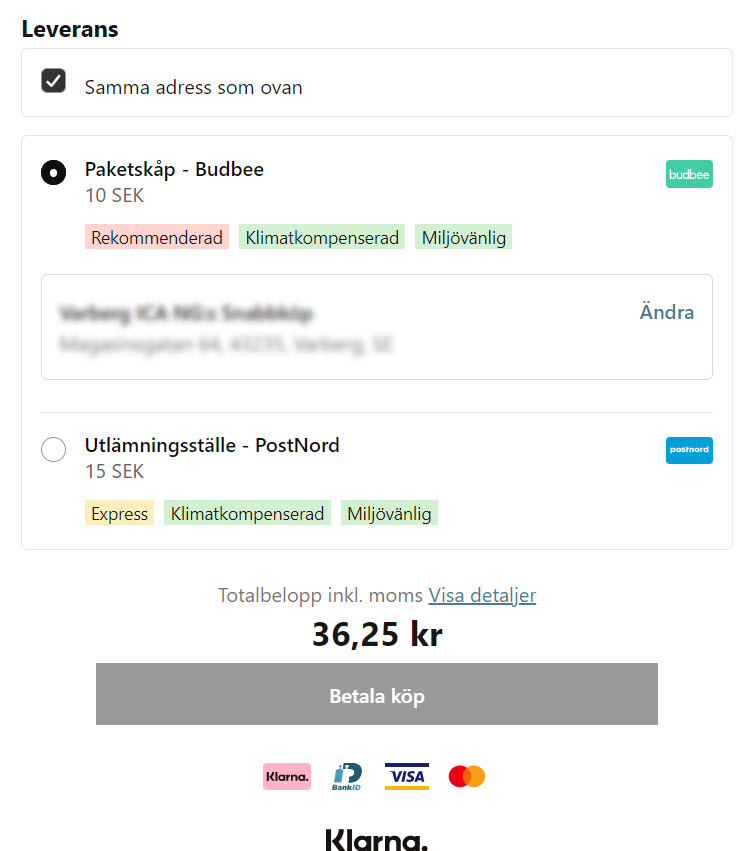
External TMS Shipmondo where you have chosen to use the delivery methods Budbee Paketskåp and Postnord Utlämningställe:
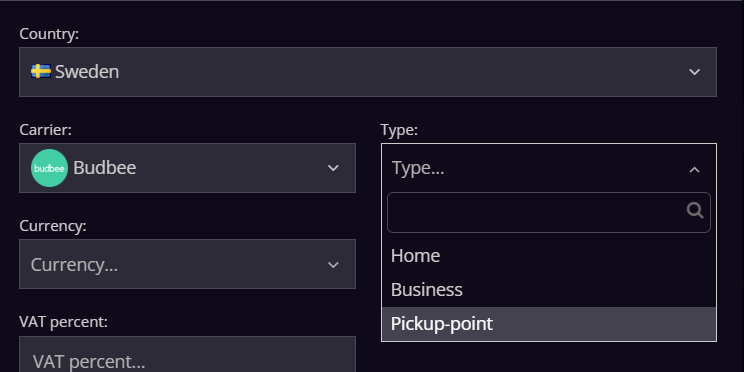
You choose which of Shipmondo's delivery methods you want to use by adding them to Shipmondo:
You know that you can also add Klarna On-site messaging in the store? Link to the manual: Klarna On-site messaging