Add a menu item - Textalk Abicart
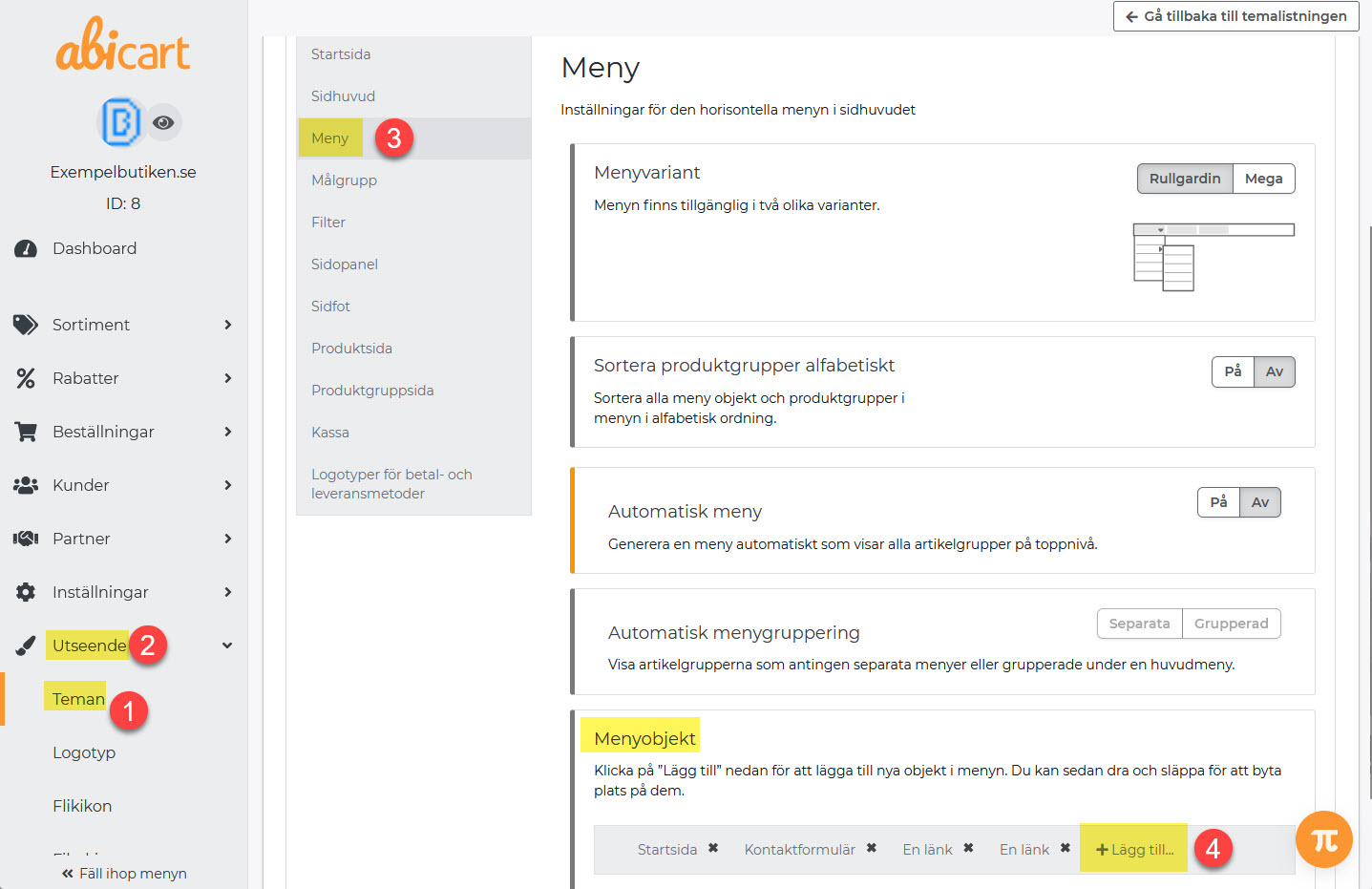
In "Automatic menu OFF", menu items are added manually under Appearance >> Themes.
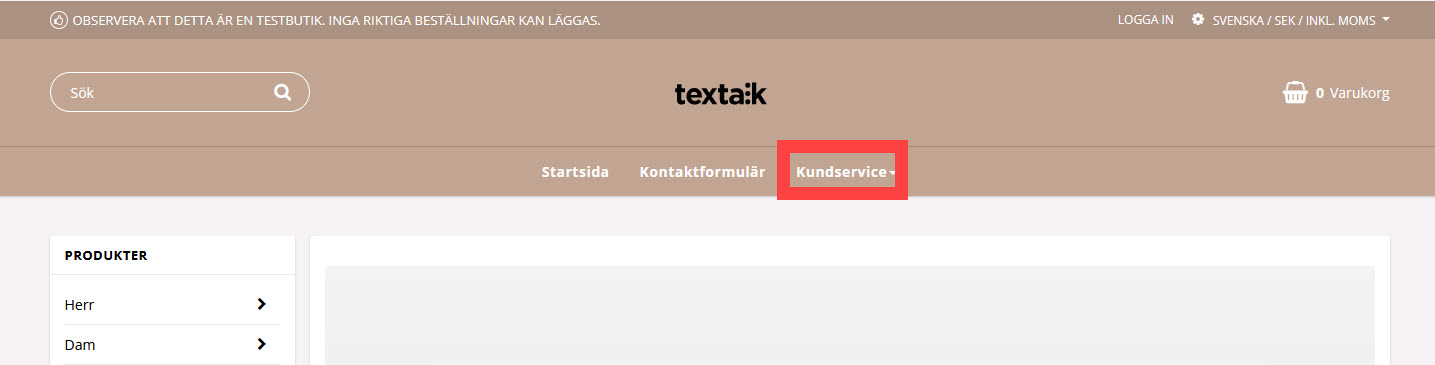
Here's what you do:
1) Go to Design >> Themes >> Edit >> Menu
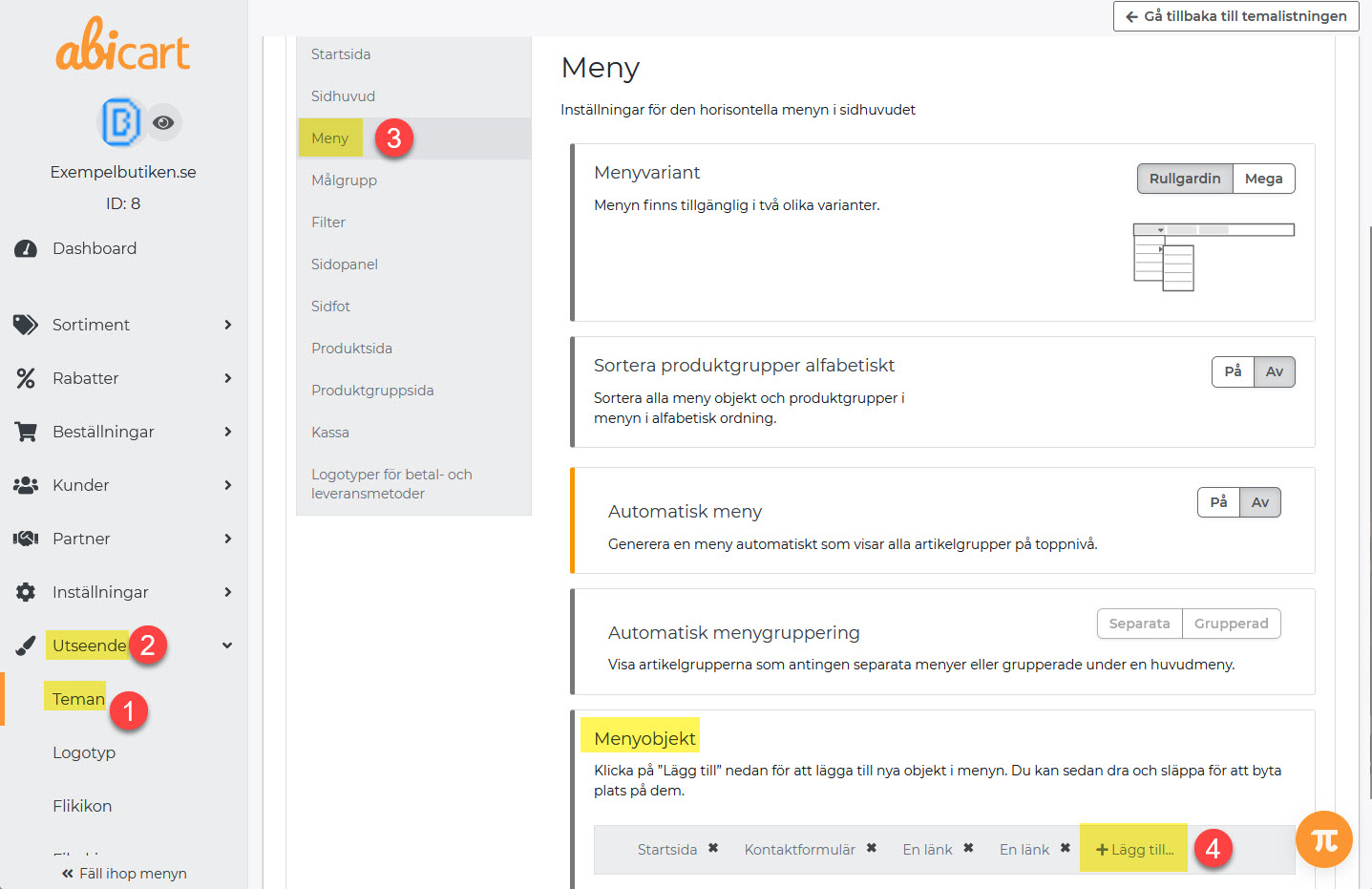
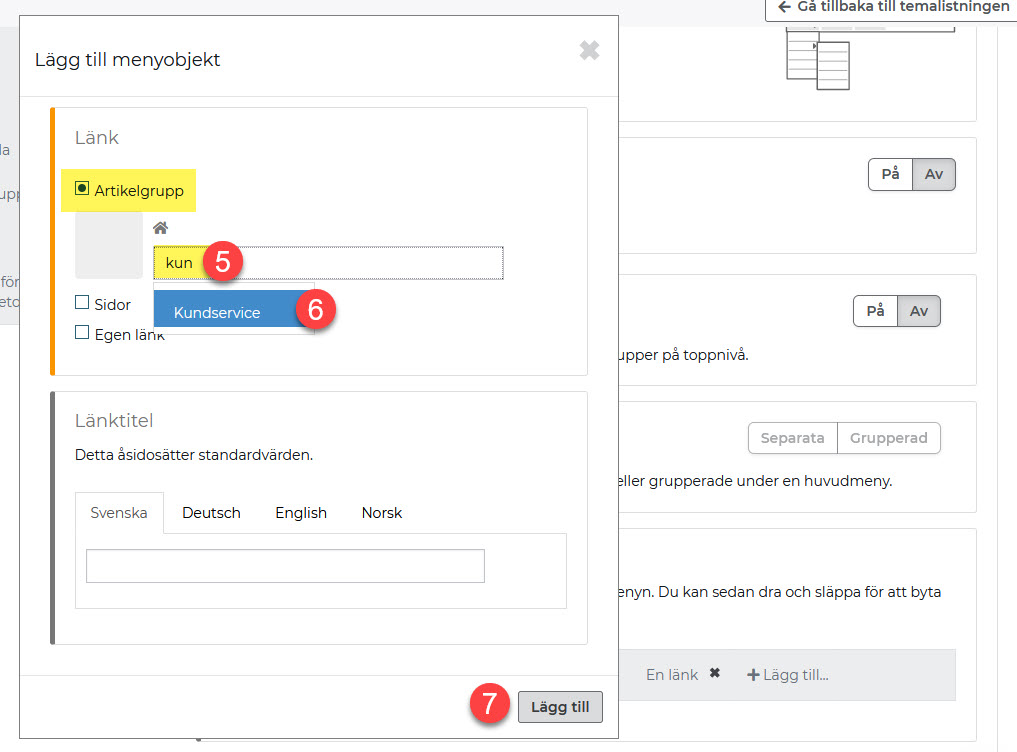
2) Menu item >> Add >> Find the menu item >> Add
Choose between, product group, pages or own link
3) Save with the green button on the top right.
4) Done!