Footer - Textalk Abicart
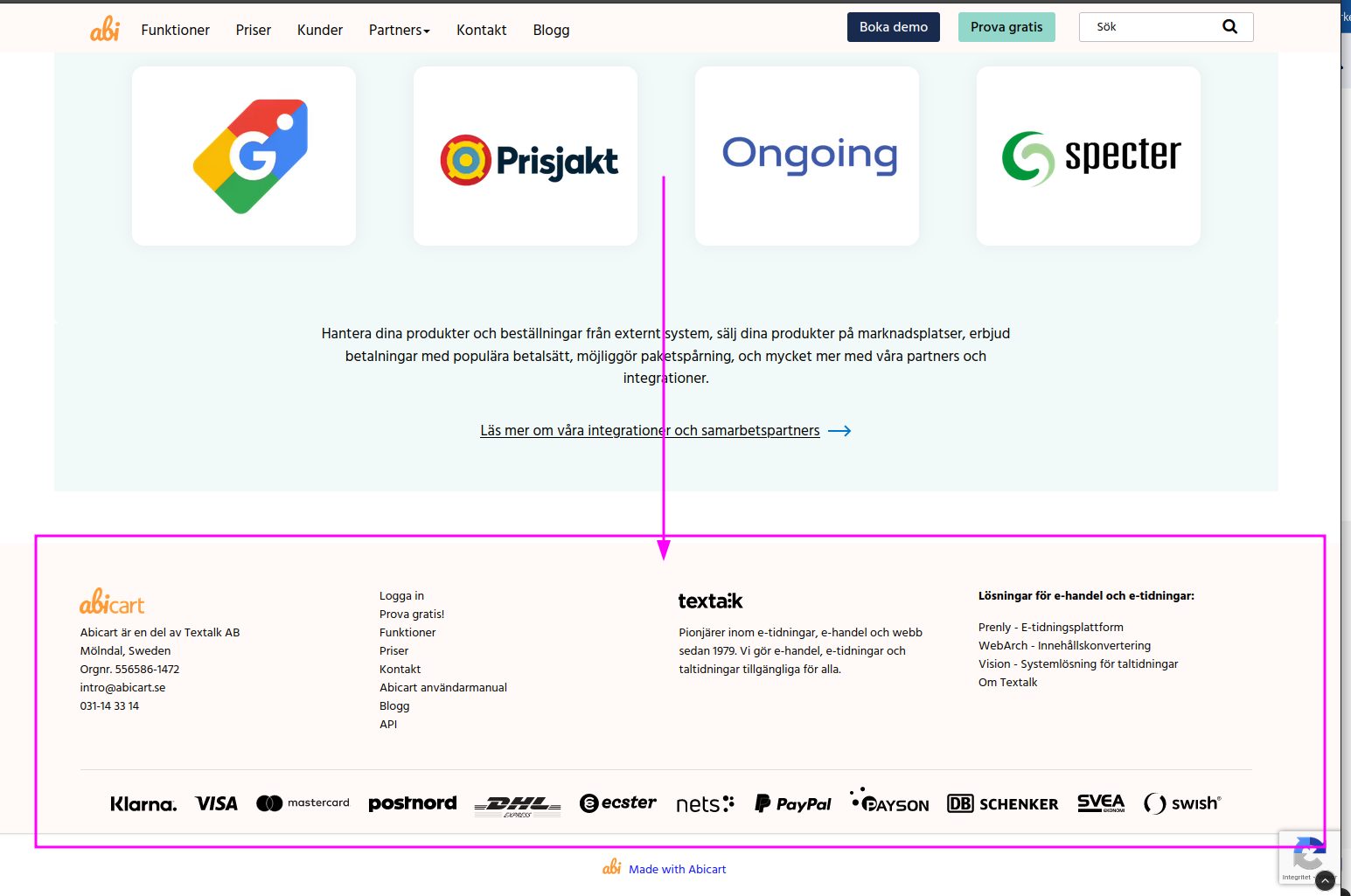
The footer consists of four different fields where you can select and add different content to each field.
Your own HTML/Custom content:
In all the fields in the footer you can add your own content:
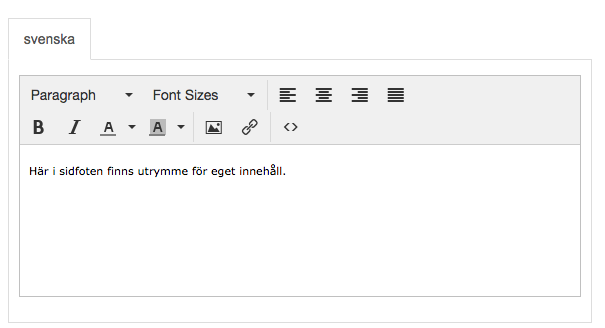
You can add your own text/image, your own links, or images of your payment methods.
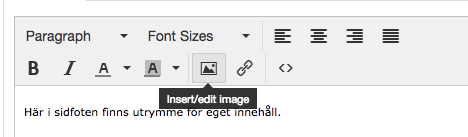
Click on the small icon "insert/edit image" to upload an image:
Address:
In the leftmost field it is possible to activate ready-made fields where you can enter the address and contact details of your company.
Social media icons:
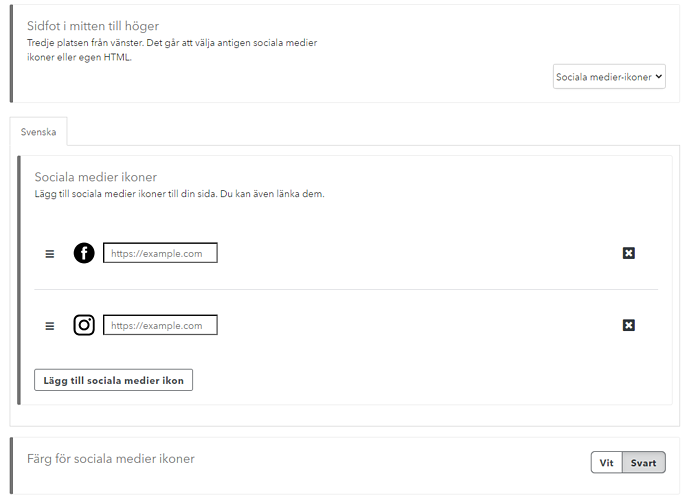
In the two fields on the right you can add icons and links to Social Media sites. There is a selection of icons to choose from and you can add the link to your Facebook or Instagram, the logo then becomes a link to your page.
Payment method information for Klarna Checkout:
If you use Klarna Checkout as your payment method, you can activate a logo in the footer for Klarna. This can be done in the rightmost field.