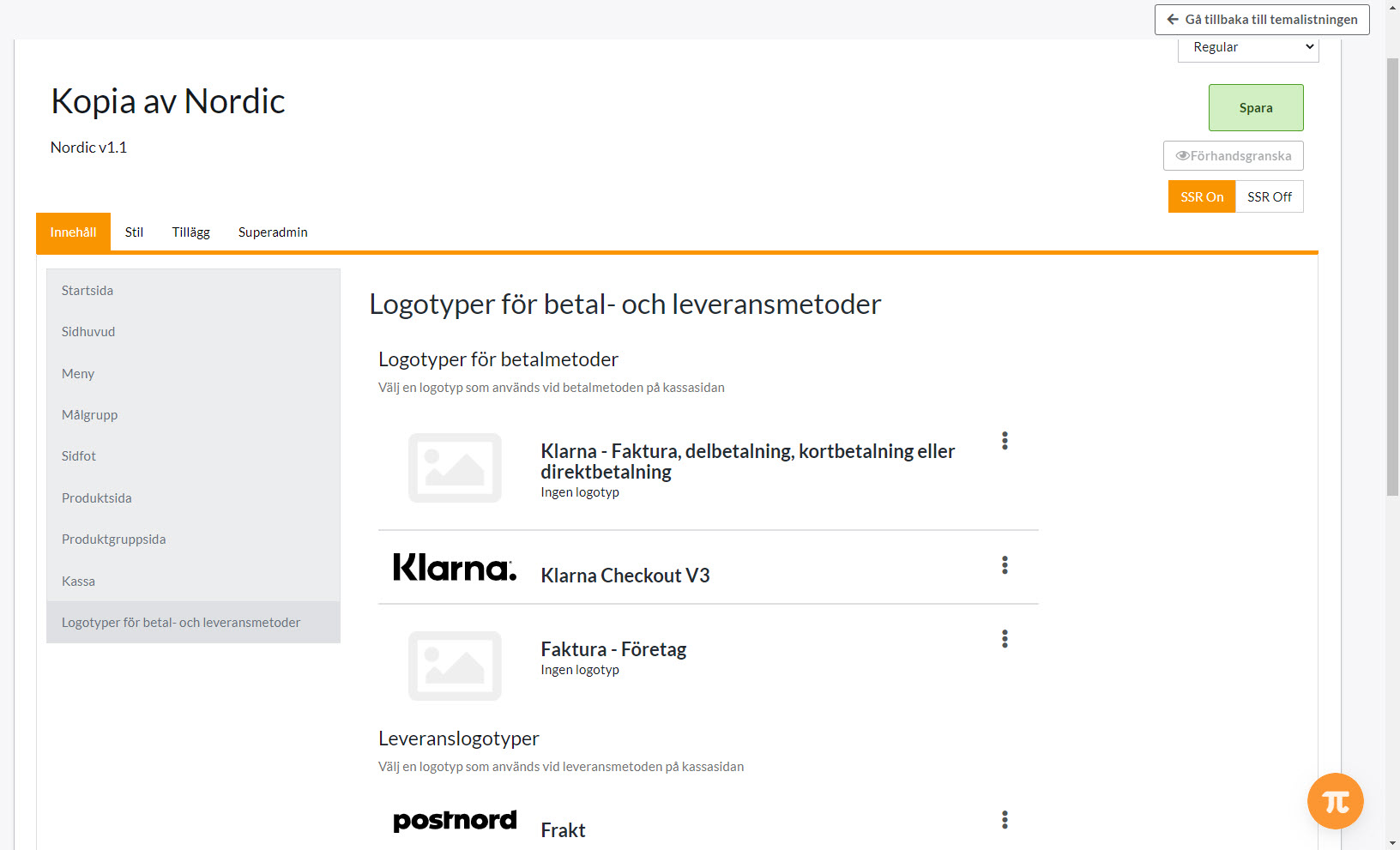
Add logo for payment and delivery methods - Textalk Abicart

Did you know that you can add logos for your payment and delivery methods at checkout?
How to do this:
1) Click Appearance >> Themes >> Edit active theme
2) Content
3) Payment and delivery method logos
4) Click on the three vertical dots
5) Choose between the default logo and uploading your own image
You can download the payment/delivery method logo on their website search name + logo in your browser. Remember to choose an image of good quality.
6) Save at the top of the page with the green button
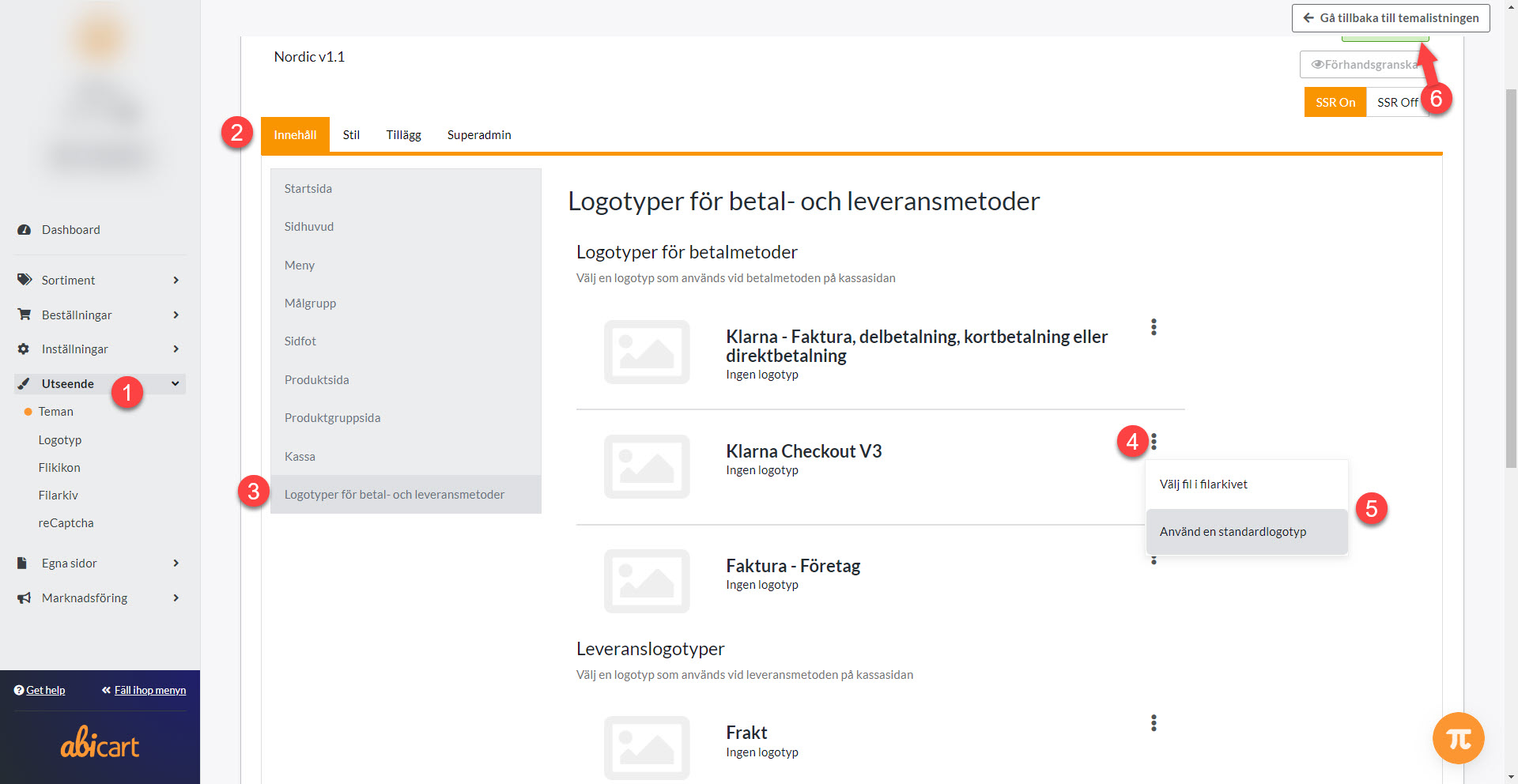
Repeat for all payment methods and delivery methods you want to have a logo